Continuum PHOTOS
MenuClose

A desktop app for preserving old photos

Your photos
shouldn’t depend
on an app.

Not even this one.

Continuum links your digital photos to the prints and negatives they came from, including where the originals are stored.
Dates, Groups, and photo details live in the Photo Library itself—not inside the app.

See How It Works Create Your First Photo Library — Step by Step

v1.4.0 · Released · What’s New

Download a Sample Photo Library

For use with the Continuum Photos app. Or not. It’s your library!
112 historical photos with fictional records · ZIP, 113.7 MB
Sample records span all four workflow stages. Unzip and open it as a Photo Library in Continuum Photos.

THE FAMILY ALBUMPAST → PRESENT
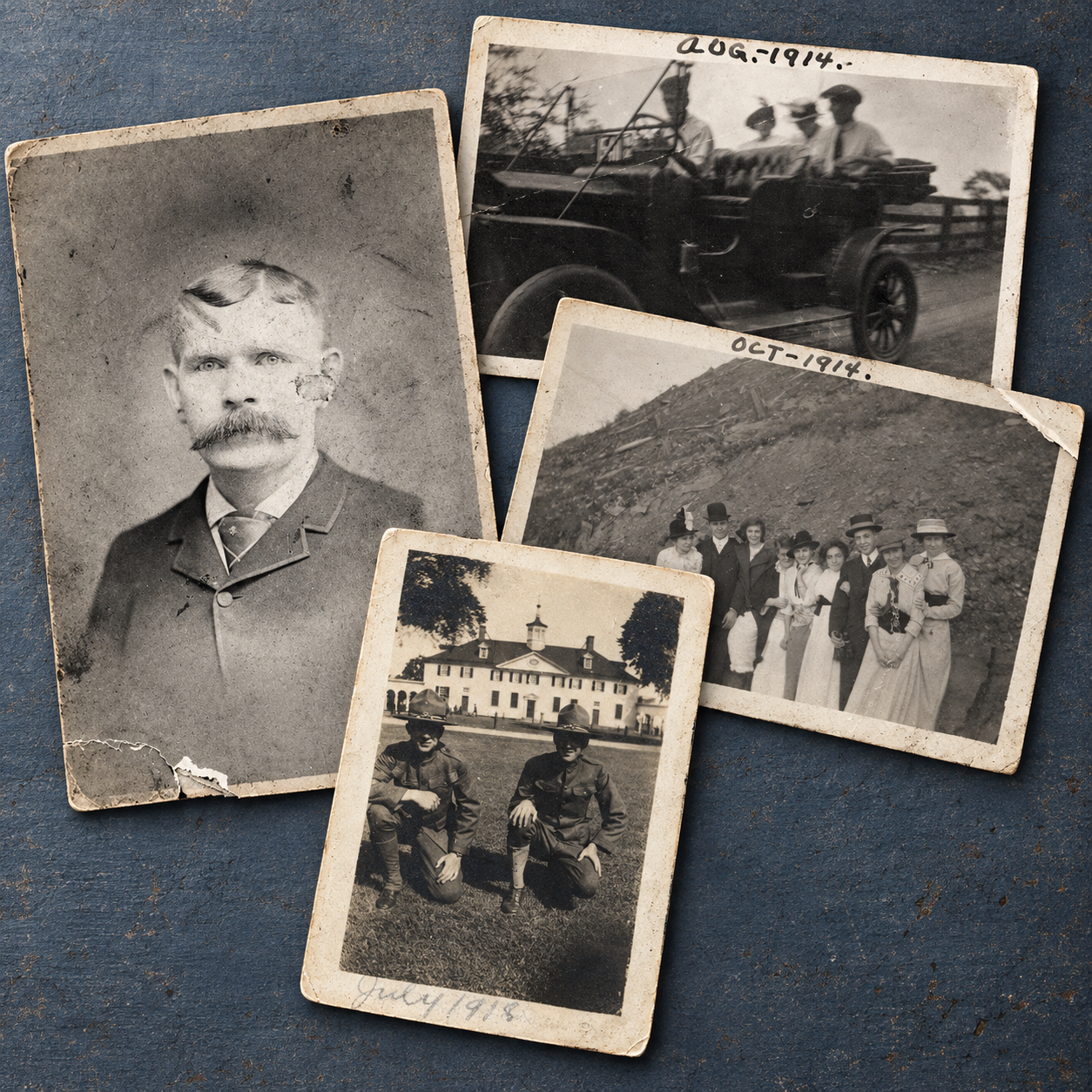
Family photographs from the 1800s and 1910s, arranged as aged black-and-white prints on a blue tabletop
Keep track of the originals and their digital counterparts.
Where did this digital photo come from?Record the original and where it’s stored.
PRINTS / NEGATIVES / DIGITAL PHOTOSALL CONNECTED.
Trace digital photos to their originals.Keep dates and Groups in the files.Read the Catalog without the app.

01 / From original to digital photo

Keep the boxes.
Keep the binders.
Keep your system.

Keep your prints and negatives in the boxes, albums, and sleeves you already use. You choose which physical photos belong together.

In Continuum, a Photo Library contains Groups. Each Group is a folder for a collection you choose—a packet of prints, for example—and contains its digital Photos plus one Catalog. Each Photo can be linked to the print or negative it came from, with the original’s storage location recorded in the Catalog.

From a packet of prints to its digital Photos

01

The physical photos

A packet of family photos, kept in a box on your shelf.

02

The Group

A Group folder containing the Photo files from that packet and one Catalog with the Group and Photo details.

03

Find the original

Record which box holds the prints and where the box is stored. Look up the location when you need an original.

Browse the Photo Library by person, place, or date while your Groups stay together.

02 / The Photo Library

Simple folders.
One Catalog each.

A Photo Library is made of Groups and Photos.

Each Group is a folder containing its Photo files and a single Catalog. That Catalog contains the metadata for the Group and its Photos: names, dates, places, links to physical originals, and the other details you enter.

The Catalog is lightweight, human-readable, and structured for software to read. Continuum doesn’t scatter opaque support files throughout your Photo Library; each Group gets one Catalog, and every file has a clear purpose.

Copy the Photo Library and the Photos and their records stay together.

Explore the Photo Library Schema

One Group. One Catalog. No mystery files.

03 / Outside Continuum

Here’s what you have
without the app.

Your work is saved in the Photo Library, not just presented inside Continuum. Dates, Group structure, and photo details remain usable outside the app.

Photo and Group names

Dates and Groups,
in the names.

Continuum names and sorts Photo files so recorded dates and Group structure are reflected in filenames and folders.

Open the Photo Library in a file browser and the organization is still there. You don’t need Continuum just to tell which Photos belong together.
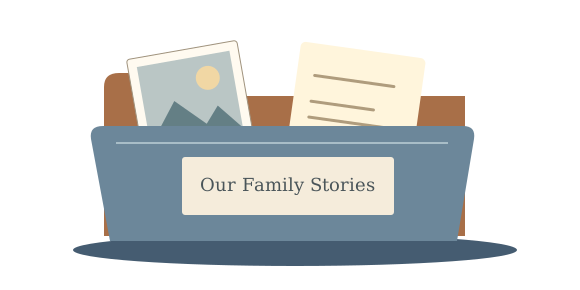
A family folder holding a photograph and a handwritten story
Dates and Groups are reflected in Photo filenames and Group folders.

Photo dates on other devices

Use the photo’s date,
not the scan date.

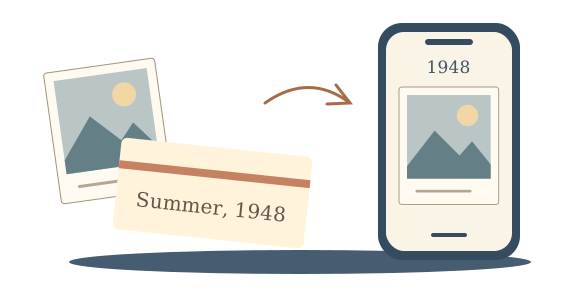
A photo taken in 1948 shouldn’t have to appear among this year’s pictures just because you scanned it today. Continuum can write the date you’ve recorded into supported JPEG photo files.

Compatible photo apps, including those on phones, can use that date to put the picture in the right order.

How Date Updates Work

Date updates work with existing, writable EXIF date fields in JPEG files—the date information stored inside the image. Unsupported files and missing fields are reported.

Estimated dates use a sorting date and an assigned time; the Group’s Catalog keeps the fuller date information. Some sharing services remove this information, so it needs to be preserved when you transfer photos.

An old photograph labeled Summer, 1948 appearing under 1948 on a phone
Taken in 1948. Scanned today.

The Catalog & photo metadata

Readable by you.
Structured for software.

Each Group’s Catalog is one lightweight text file containing the metadata for the Group and its Photos. Open it yourself and the fields are clearly labeled; software can read the same structured data without relying on Continuum.

Save details inside the Photos, too. There’s also an option to write photo information into the image files’ metadata. The Catalog remains the complete record for the Group.

Catalog and Photo Metadata

The Catalog uses a structured text format designed to be both human-readable and straightforward for software to process. Other software can be built to import it without needing Continuum itself.

Information saved only in the Catalog is not automatically written into the Photos. Writing Photo metadata is optional and does not replace keeping the Catalog.

Read the Schema Guide
Photographs in a keepsake box carried forward into an open family storybook
Read the saved records without the app.

04 / Photo details

Names, dates,
and the details you know.

Use Continuum to record who’s in a photo, when and where it was taken, and the event it belongs to. Add what you know as you work through the collection.

01 — PEOPLE

Put names to faces.

Mark faces in a photo and record who they belong to.

02 — PLACES & EVENTS

Record where
and when.

Add the date, location, and occasion a photo belongs to.

03 — GROUPS & PHOTOS

Keep related Photos together.

Put digital Photos from the same packet of prints, roll of film, or another collection you choose into a Group. Record which physical originals they came from.

05 / Inside the app

Here’s what
it looks like.

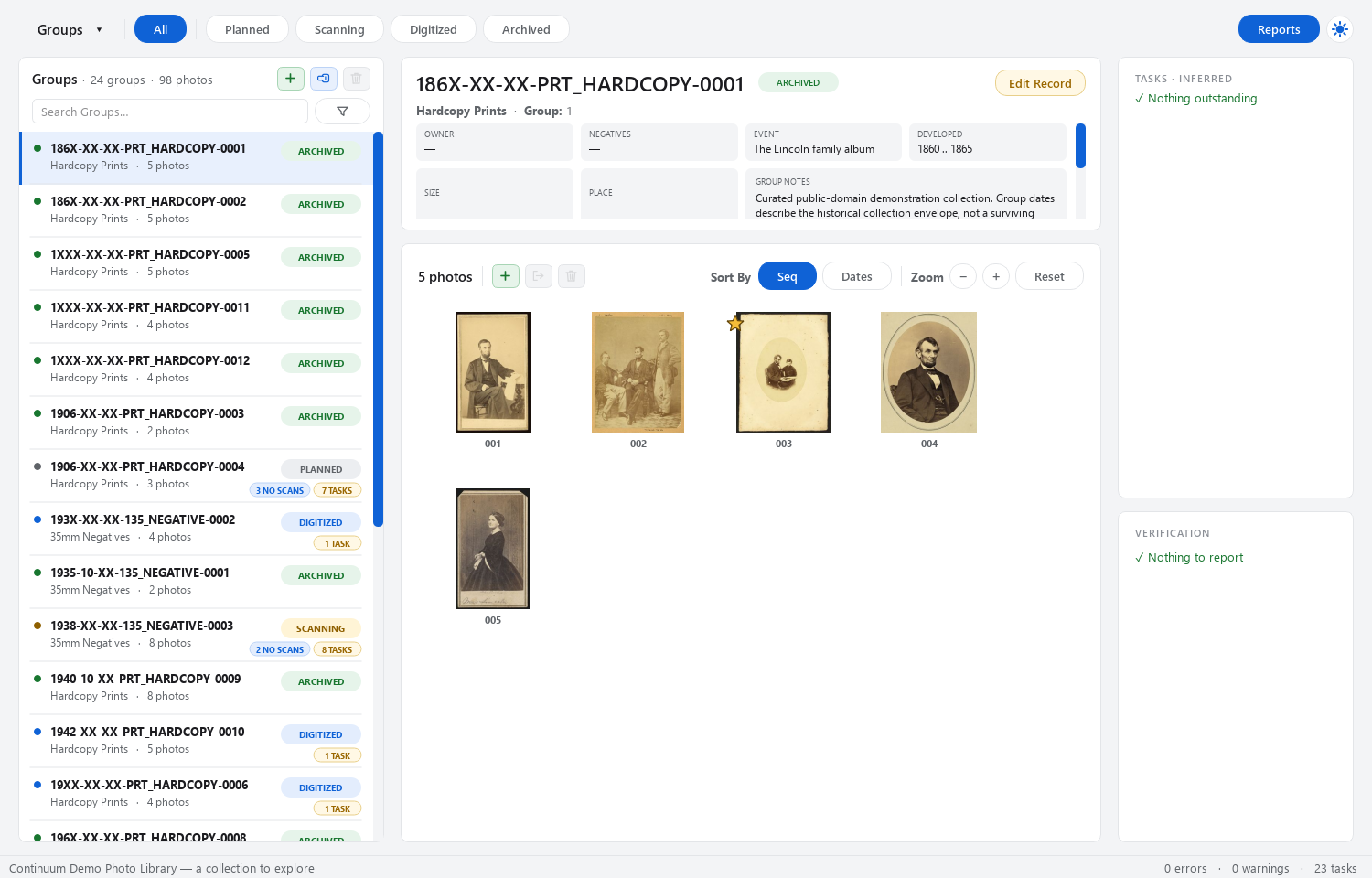
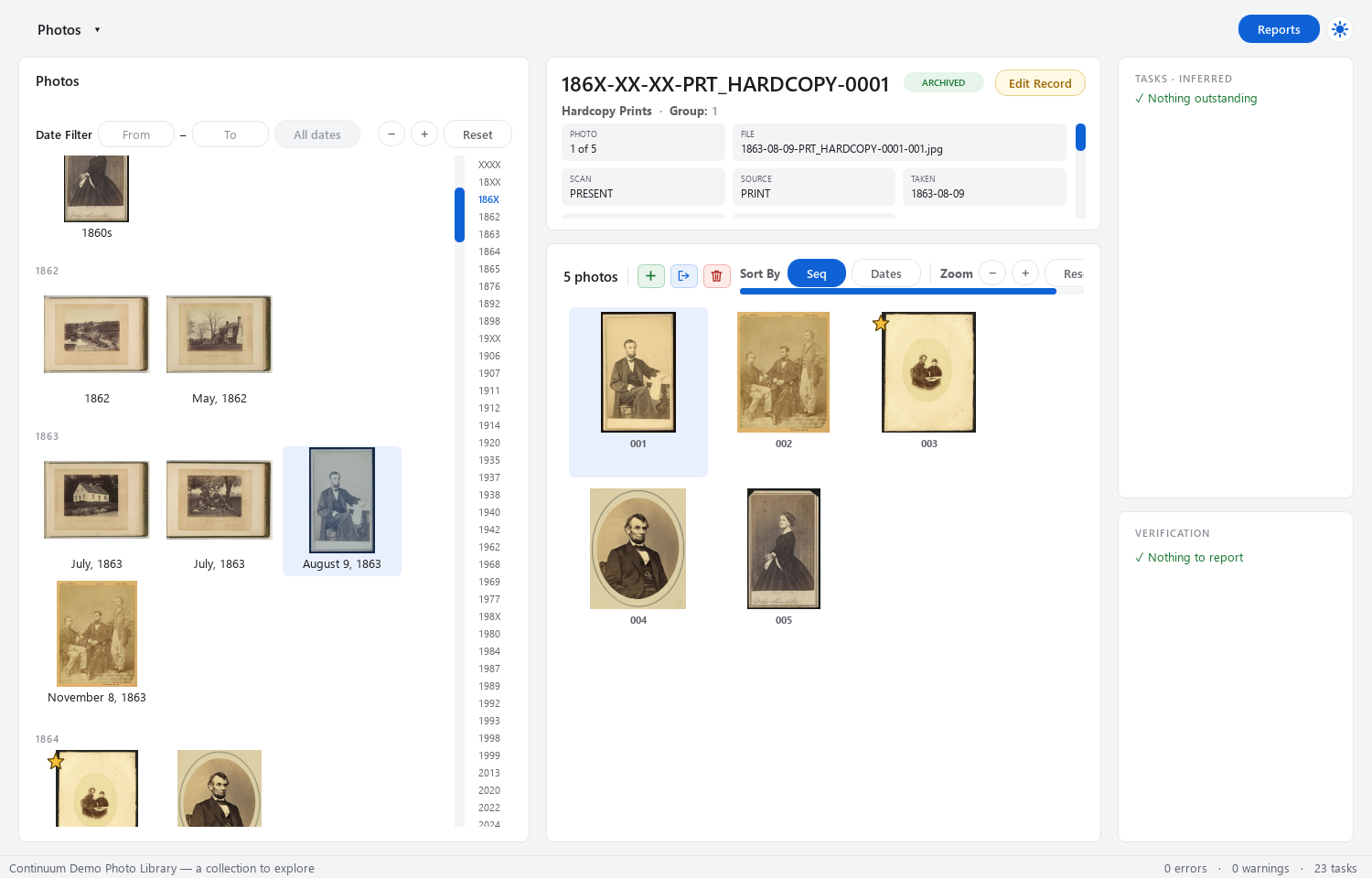
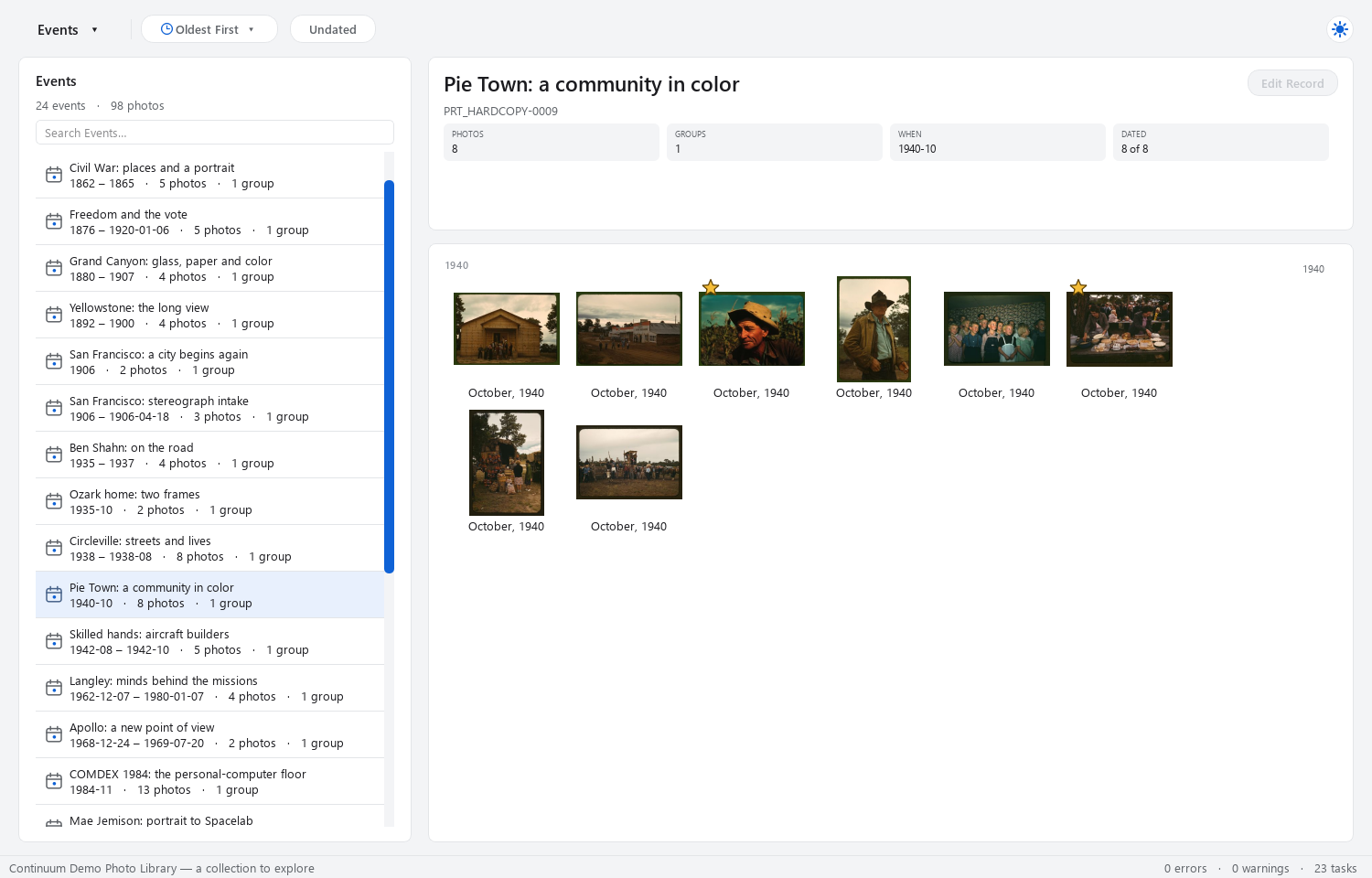
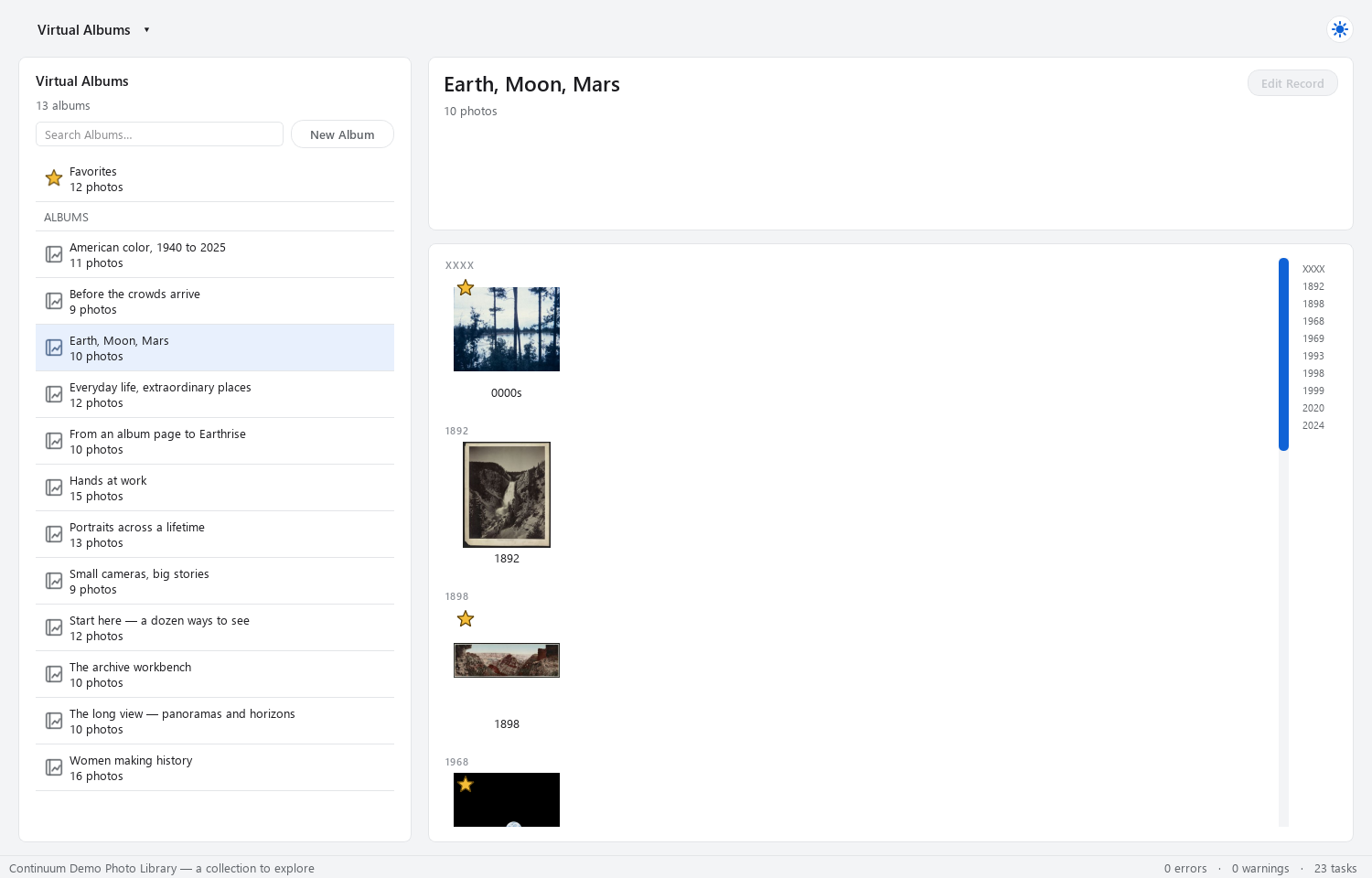
The demo Photo Library shown in these screenshots has 24 Groups and 98 Photos, spanning family albums, everyday life, and exploration.

Continuum Groups view showing the Lincoln family album and its catalog details
GroupsBrowse your Groups.See each Group’s Photos and the details you’ve recorded.
Continuum Photos view showing photographs from the curated demo library
PhotosBrowse Photos across Groups.Look through Photos from different Groups in one view.
Continuum Events view showing Pie Town: a community in color
EventsFind photos from the same event.See the photos linked to a particular occasion.
Continuum Virtual Albums view showing the Earth, Moon, Mars collection
Virtual AlbumsMake albums across Groups.Gather Photos from different Groups into a virtual album.
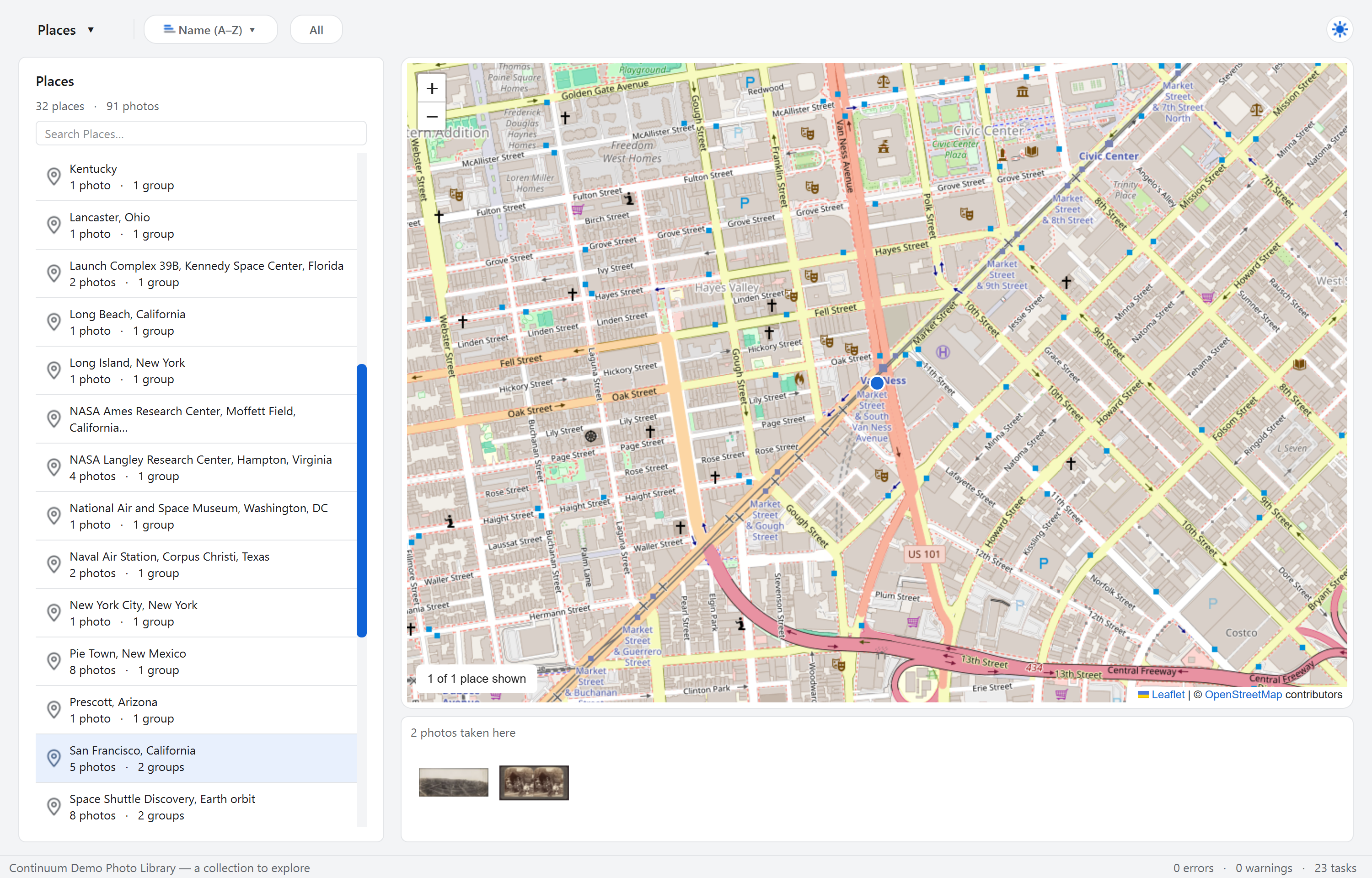
Continuum Places map showing San Francisco and related demo photographs
PlacesFind photos by location.Browse recorded locations on a map and see the photos linked to them. Shown here: San Francisco in the demo collection.
Charlie, creator of Continuum Photos

06 / About me

Hi, I’m Charlie.

Software developer in Los Angeles, California

Continuum started as a personal project. I grew up in a small town where my family has lived for 150 years, and I wanted a better way to organize the photos they left behind without locking everything I learned about them inside another app.

I’ve been into computers and writing code since the early ’90s, and over the years I’ve watched some of my favorite apps come and go. More often than not, the information stored inside them went with them. I didn’t want Continuum to work that way.

So Continuum was built around a simple idea: the Photo Library should still make sense without Continuum. Groups stay organized as folders, each has a readable Catalog, and the information you’ve recorded stays with the collection instead of disappearing into the app.

It started with my own family photos, but I hope it’s useful to anyone trying to leave behind a collection that someone else can actually understand.

07 / Support the project

Help Continuum
keep growing.

I’m building Continuum to help preserve photos and the details that make them meaningful. If it’s useful to you, you can support its continued development on Ko-fi.

Support on Ko-fi

Every contribution is appreciated!

08 / Changelog

What’s New

v1.4.0

  • Automatic display scaling: Adapts to Windows and macOS resolution, fixes font/control proportions, and removes manual scaling options.
  • Splash: Centers the splash on-screen.
  • Testing and builds: Expanded resolution/scaling coverage and improved Mac build reliability.

v1.3.0

Continuum Photos v1.3.0 expands library organization, review, and export, with a refreshed desktop interface.

  • Adds photo export with optional effective TOML metadata and progress reporting.
  • Uses OpenStreetMap for places, with improved multi-location lookup and address renaming.
  • Improves background imports, thumbnail refresh, record editing, selection, and startup window placement.
  • Consolidates library support files under continuum.photos/ and migrates existing support files automatically.

Working through
old photos?

Use Continuum to organize a Photo Library, keep track of the physical originals,
and leave a collection someone else can understand without the app.

In Development / Windows & macOS
Back to the Features